❄️ New in Opus
January brought the cold—and a wave of updates to keep your training operations warm and efficient. This month's releases help you organize content, control access, and move through tasks faster. Here's what's new:
📁 Keep Your Library Organized and Secure with Folders
Folders let you organize your training content in one place and then control who has access. Your team always knows where to look, and sensitive content stays protected.
💡 Example: Create a "Server Onboarding" folder with role-specific content, then restrict access to servers only.
🔀 Create Task List Versions with Conditional Steps
Show your team only the steps that matter to them. Conditional steps let you build one task list that adapts based on each team member's answers. No more maintaining separate versions for different scenarios.
💡 Example: Build one opening checklist that works across locations with different equipment.
→ Learn how to add conditional steps
🤝 Collaborate on Task Lists in Real Time
Now, multiple team members can fill out the same task list together. You'll see exactly who completed each step, creating clear accountability and smoother teamwork.
💡 Example: During a closing shift, one person handles the interior section while another tackles exterior tasks—both working from the same list.
🤖 Build Task Lists in Seconds with AI
Turn any SOP, workflow, or checklist into a structured task list in seconds. Upload your documents or describe what you need, and let AI do the heavy lifting. Then refine it to match your standards.
💡 Example: Upload your 5-page health inspection protocol and get a ready-to-assign task list.
→ Learn more about the AI Generator
🎓 Feb Office Hours: BOH Training
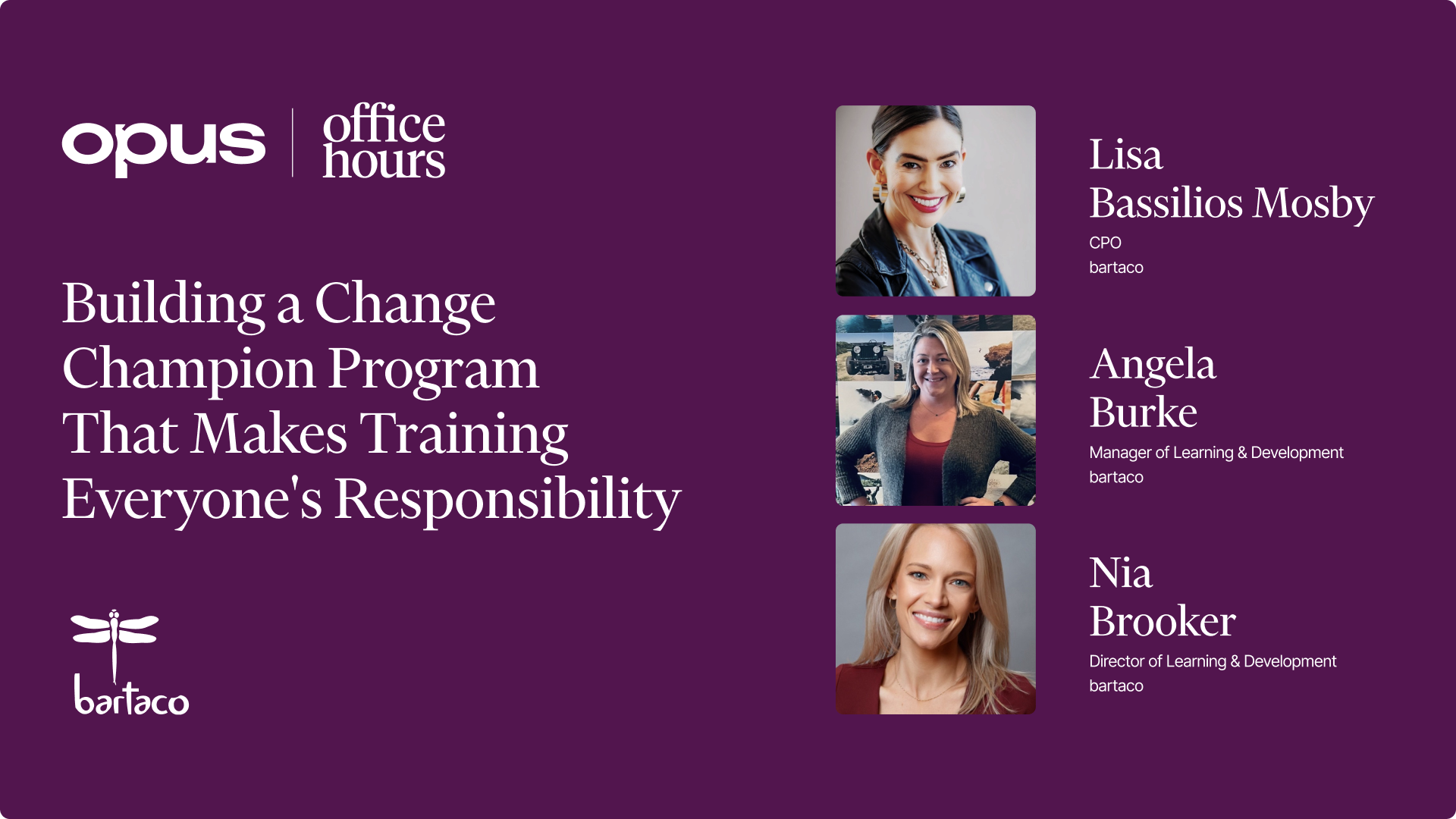
We're tackling a tough operations challenge: training teams who don't sit at desks. Join us for a two-part Office Hours on 2/18 and 2/20. Consistency drives repeat business—and that only happens when every team member gets trained. We'll share practical strategies for reaching teams who learn on the floor, not in a classroom.
.jpeg)