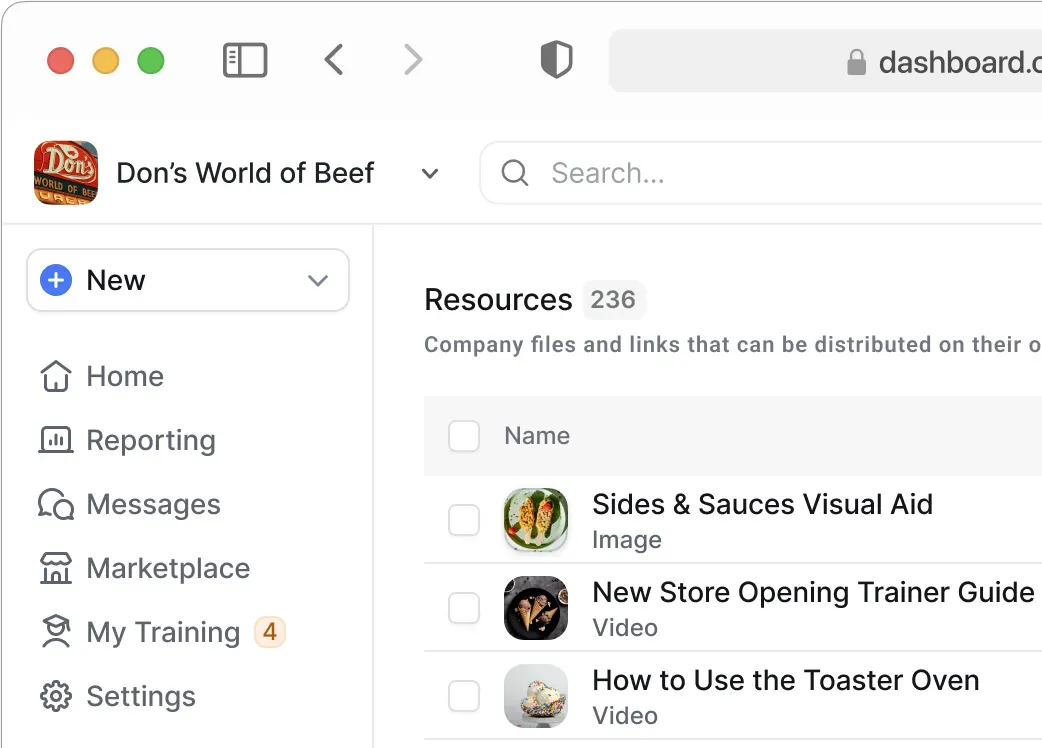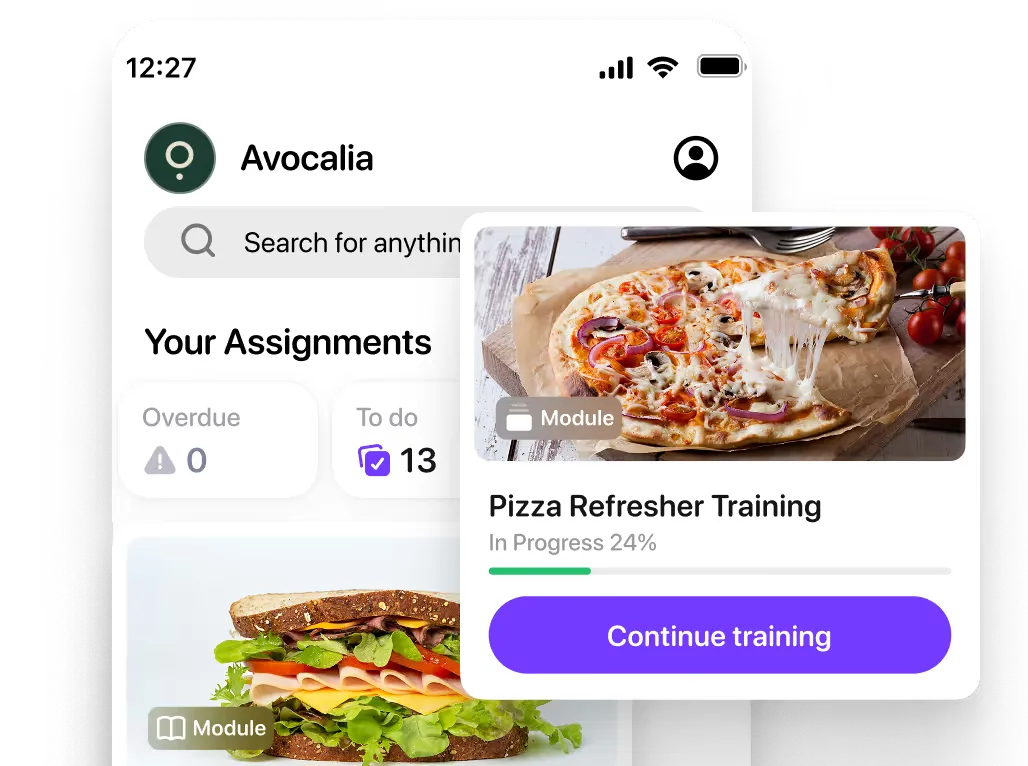

Opus: Task Management Built for Hospitality
You need more than generic checklists. Opus is purpose-built for your operation.
Trusted by thousands of service locations across fitness, car wash, and beyond.
















Most task tools track completion, but ignore the "how."
Opus connects training to tasks in one mobile-first app that gives leaders real-time visibility—from open to close—with alerts, tracking, and store-level accountability.
How Task Management works in Opus
Set tasks to the right people
Create logs, checklists, and more. You control who does what and when via access controls and scheduling.
Guide them through on mobile
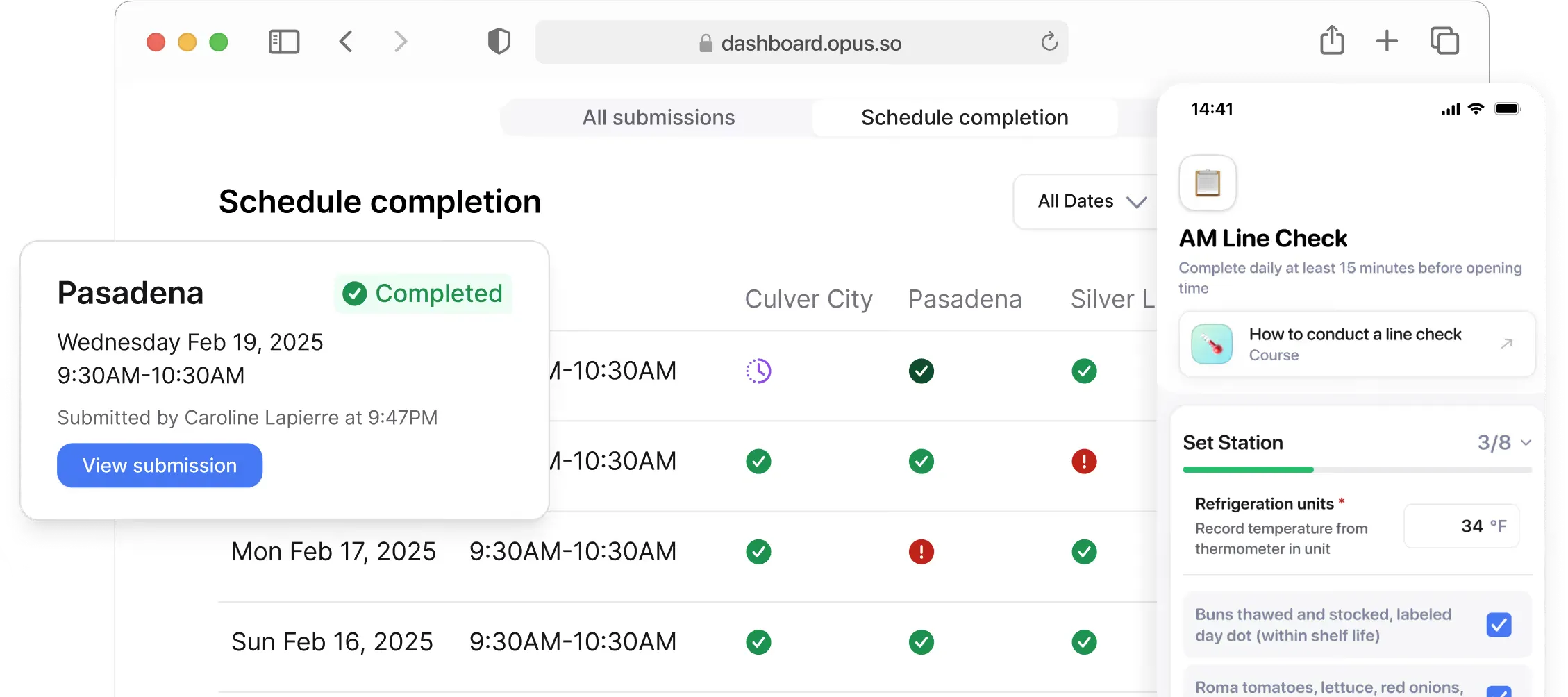
Team members complete tasks on their phones or tablets, with training or resources embedded so they do it right the first time.

Track quality and completion
Managers see who completed tasks, when — and if they were done to spec. Triggered alerts flag issues in real time.
What teams get done with Opus Task Management
Why Opus excels in task management
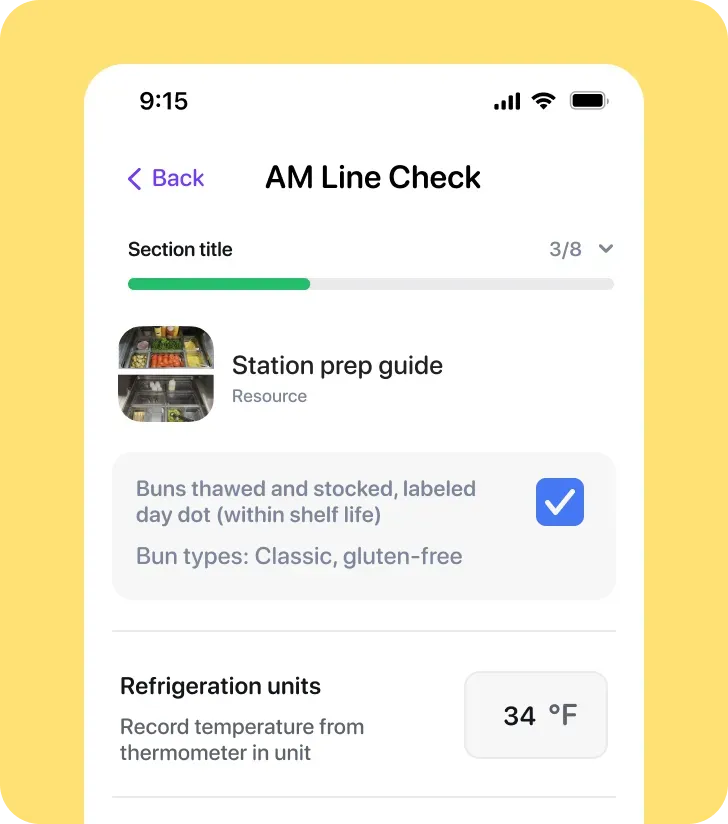
Mobile & tablet-ready
Complete tasks right from the floor — on any phone or shared tablet.
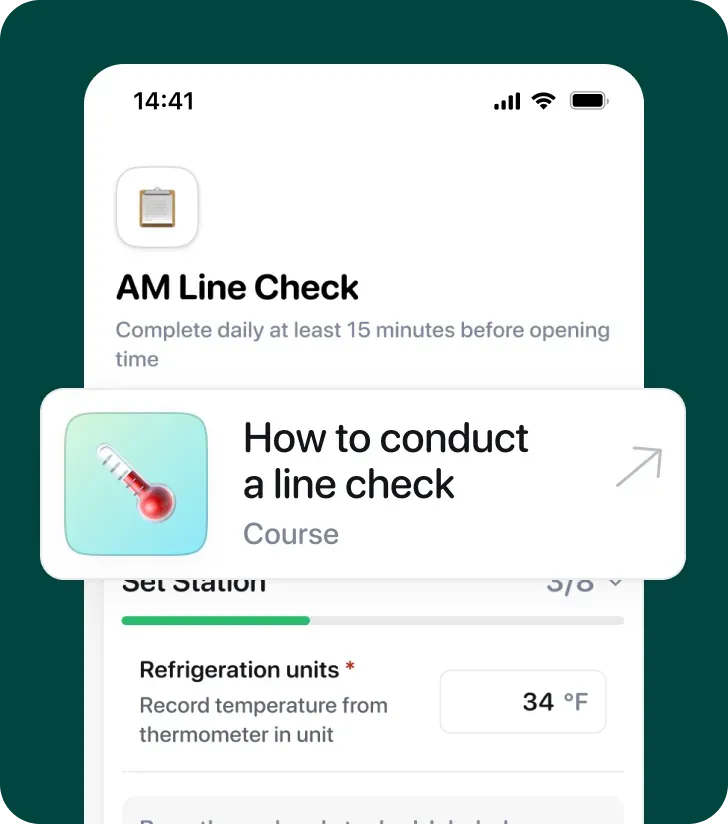
Built-in training & resources
Checklists include how-to courses, visuals, or guides so tasks get done right the first time.
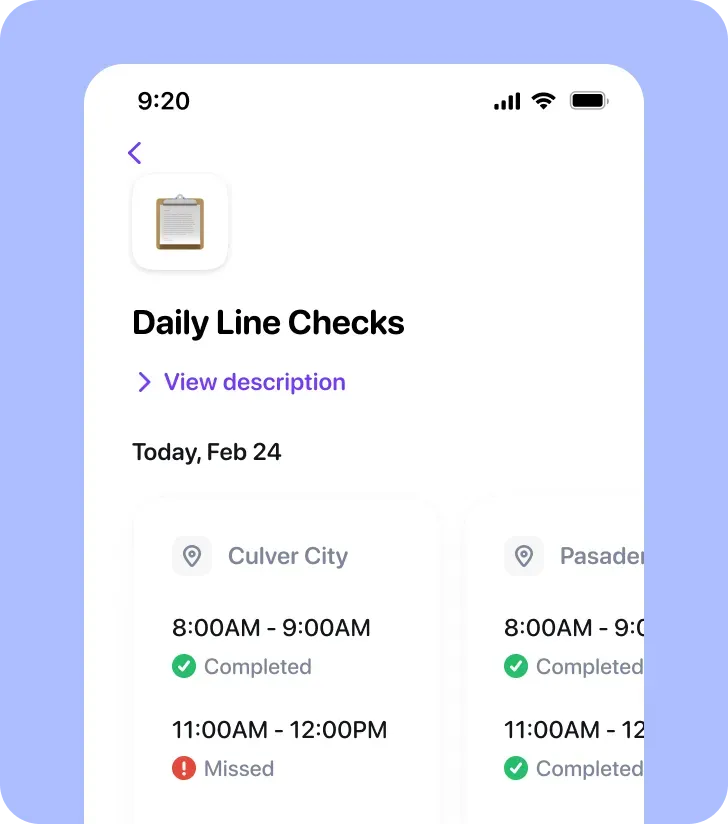
Smart access & timing
Assign tasks by role, team, or region — and control when they’re visible.
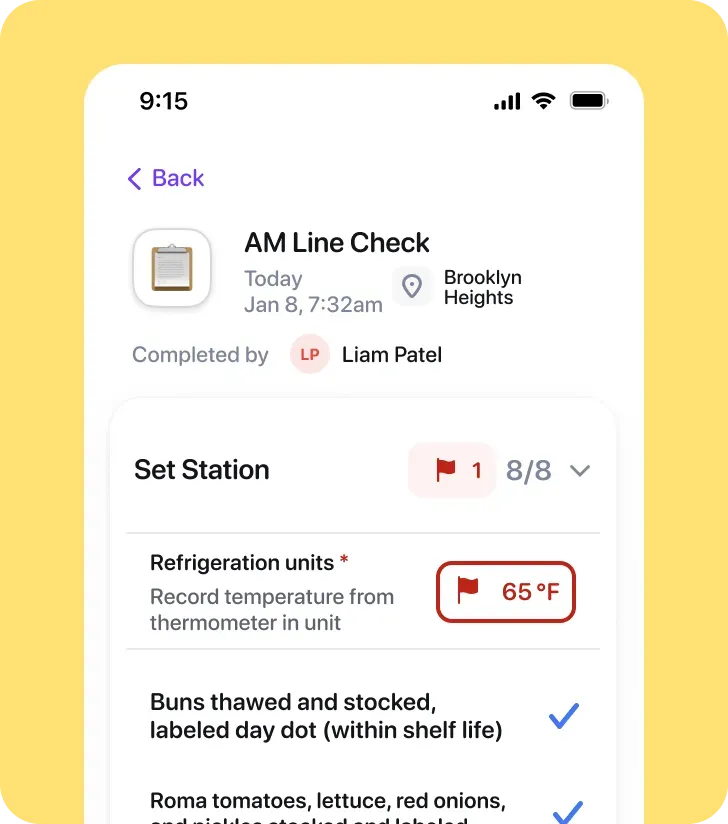
Triggered alerts & escalations
Auto-alerts notify managers when tasks are missed, late, or fail verification.
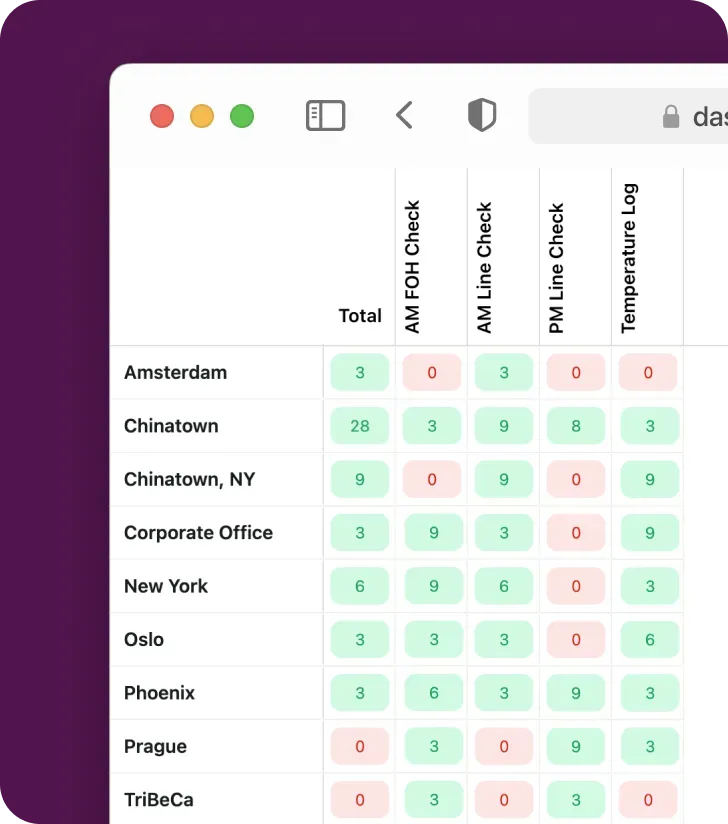
Real-time reporting for field leaders
Track completions, missed steps, and task status across every location.
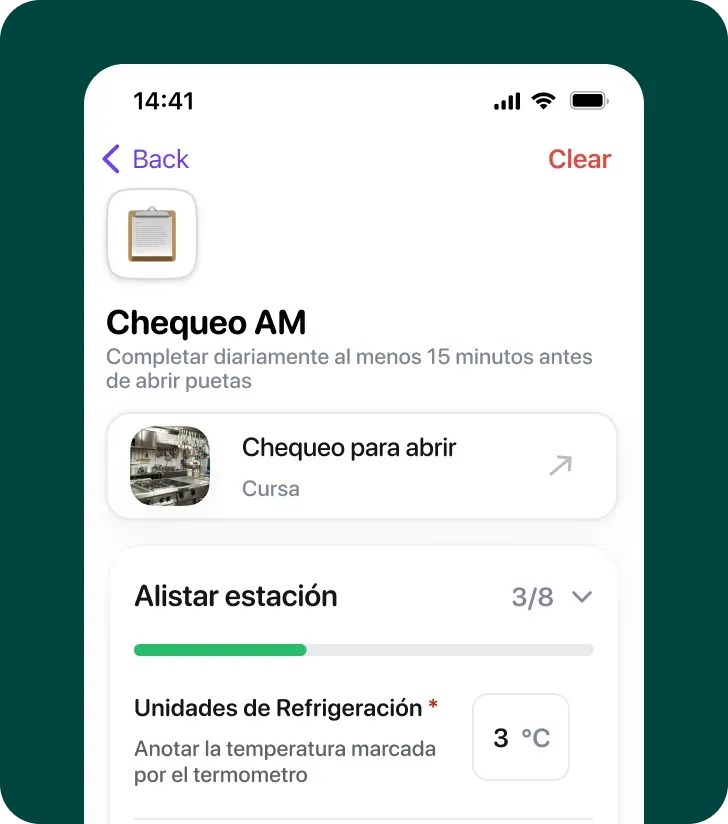
Auto-translated for everyone
Every task and instruction is available in 100+ languages, with no extra setup.
Frequently asked questions
What types of tasks is Opus best for?
Teams use Opus for opening/closing checklists, food safety logs, pre-shift walkthroughs, and incident management reporting.
Can employees see instructions or videos inside a task?
Yes. You can embed SOP resources, videos, images, or training courses directly into the checklist step — no switching apps.
Can I assign checklists by shift or role?
Opus uses your org setup to give certain roles, locations, etc can complete the Task List. Task Lists can be scheduled for time windows (e.g. “10 AM to 12 PM”), so it’s done at the right time. We cannot assign to specific shift.
How does reporting work?
Managers and field leaders get real-time data on who completed what — and alerts if tasks were missed, done late, or failed verification. Plus, can schedule to receive daily email digests.
Find more ways to reinforce standards
See what else supports day-to-day learning.