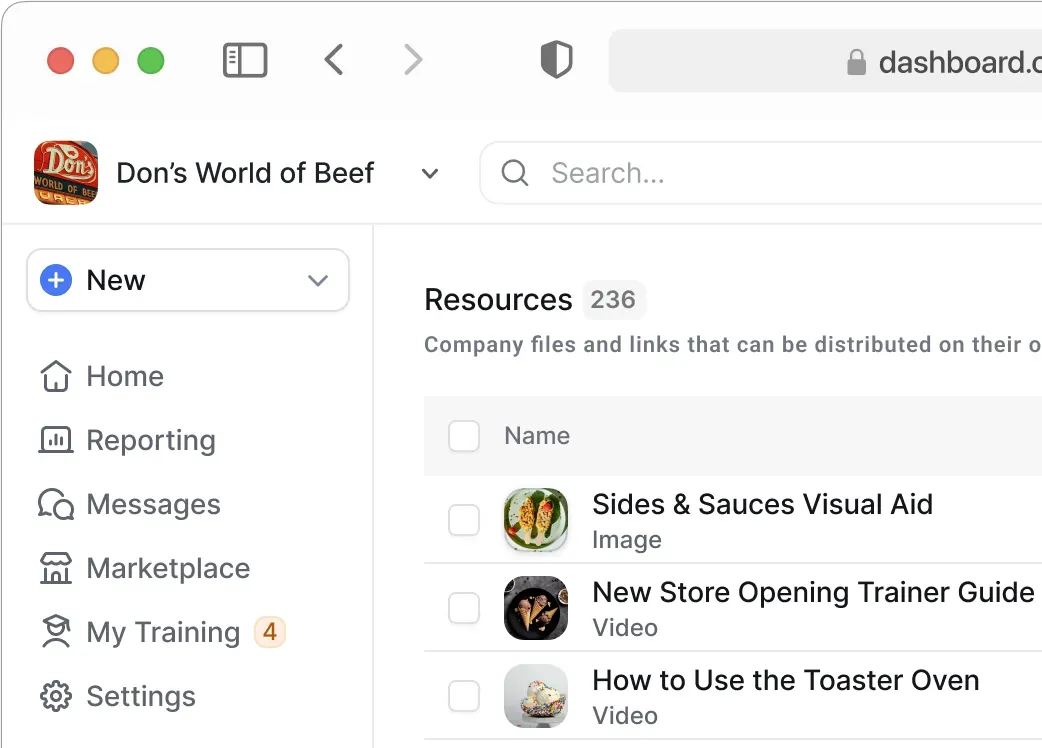

Checklists made simple, results made clear
Training teaches the why. Checklists guide the how. Opus connects both — with mobile-first task management built for store teams.
Trusted by thousands on the frontline


























Most task tools track completion, but ignore the "how."
Opus connects training to checklists in one mobile-first app that gives leaders real-time visibility—from open to close—with alerts, tracking, and store-level accountability.
How Checklists works in Opus
Schedule tasks to the right people
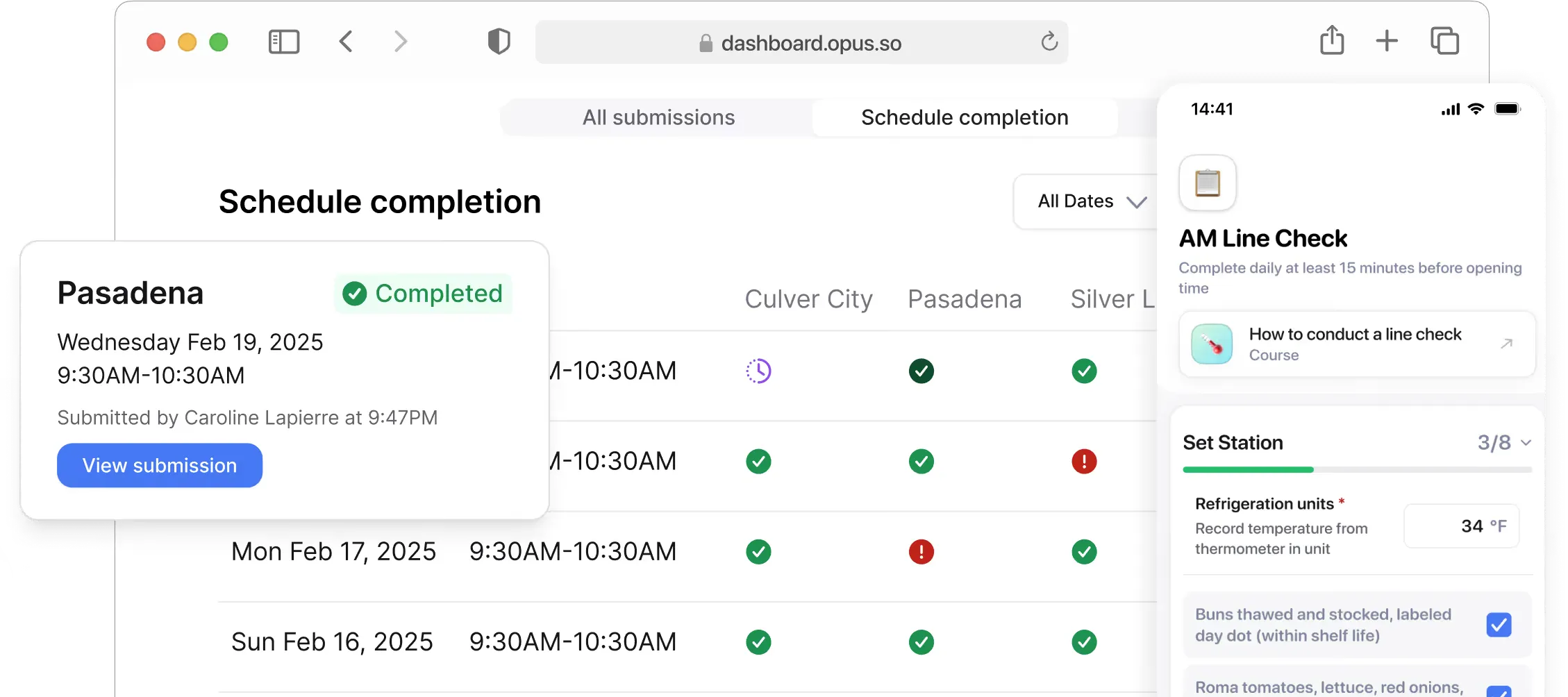
Create line checks, checklists, and more. You control who does what and when via access controls and scheduling.
Guide them through on mobile
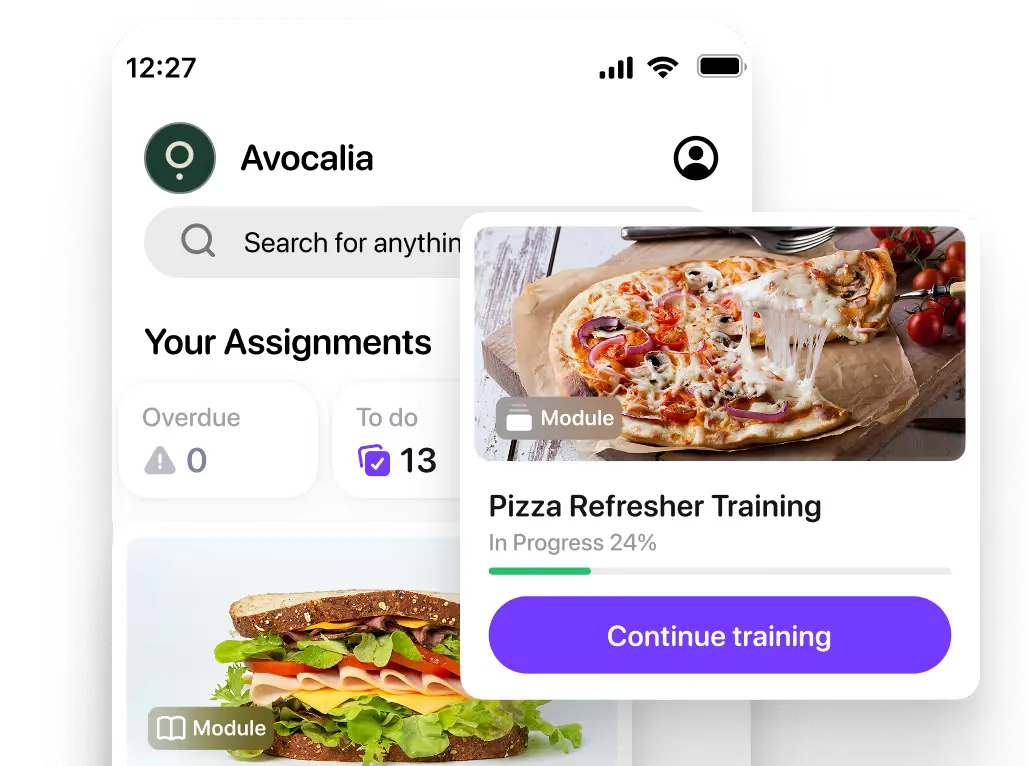
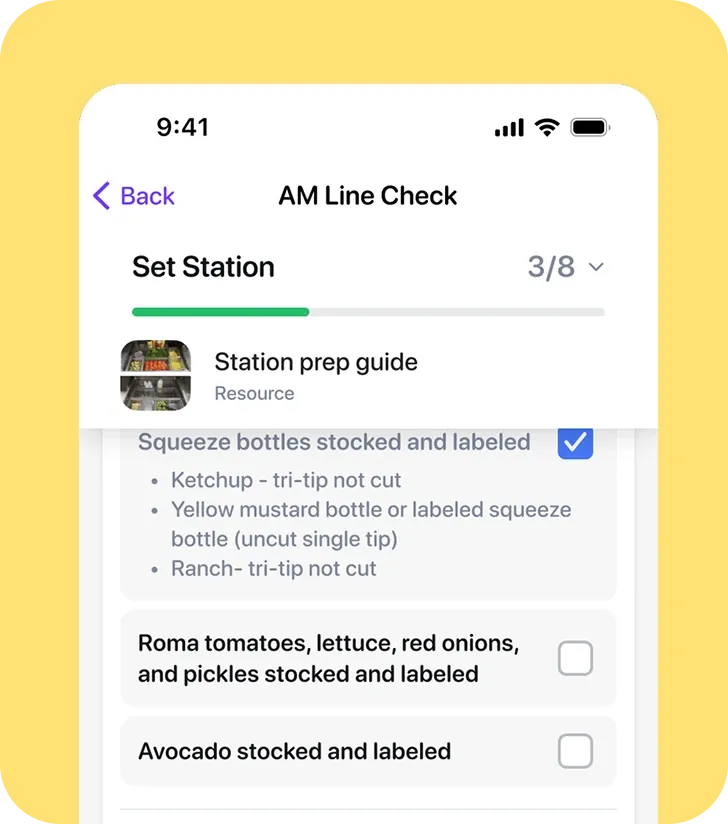
Team members complete checklists on their phones, with training or resources embedded so they do it right the first time.
Track quality and completion
Managers see who completed, and when, and if they were done to spec. Triggered alerts flag issues in real time.
What teams get done with Opus Task Management
Why teams use Checklists
Mobile & tablet-ready
Complete checklists right from the floor — on any phone or shared tablet.
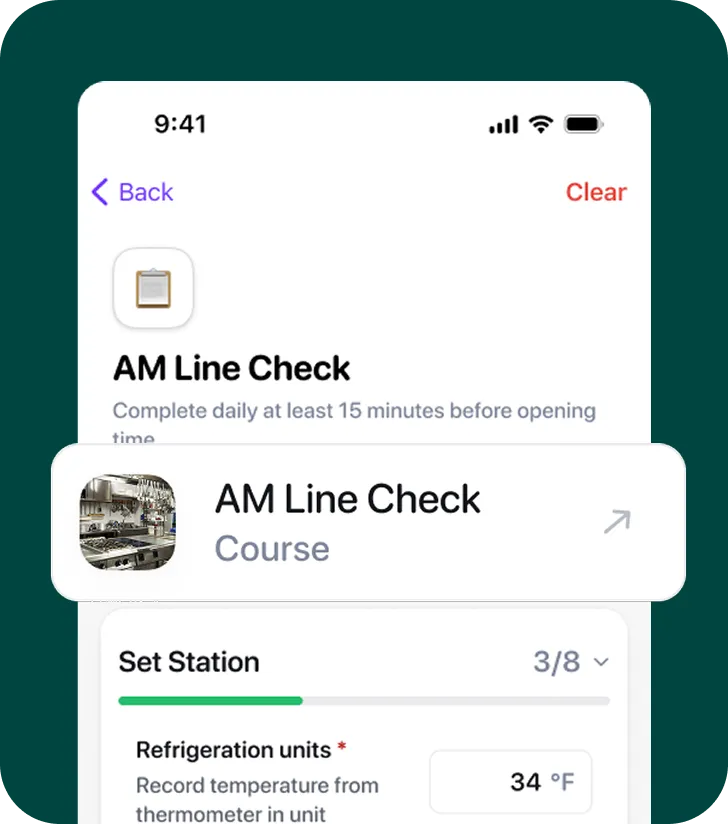
Built-in training & resources
Checklists include how-to courses, visuals, or guides so tasks get done right the first time.
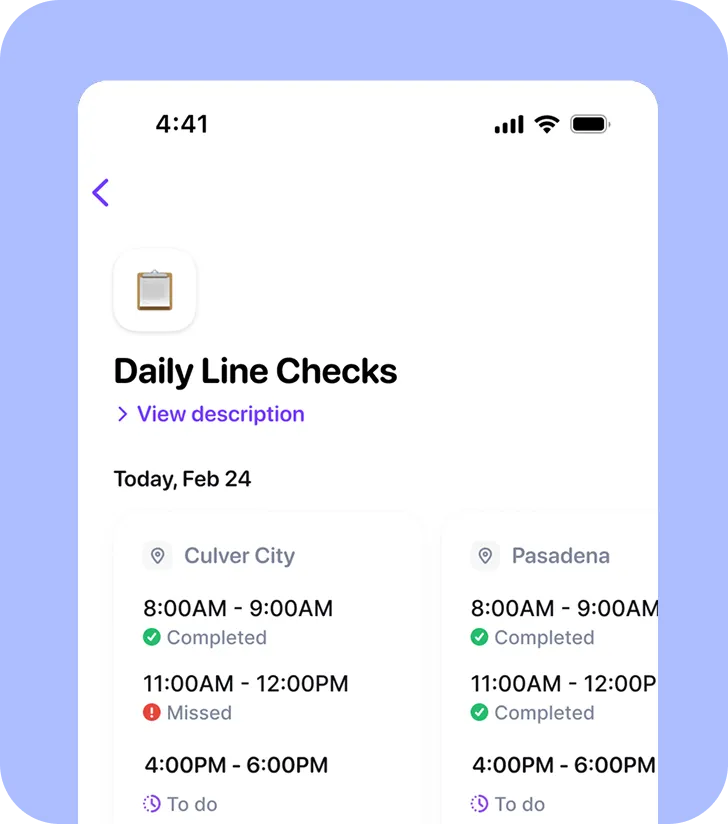
Smart access & timing
Assign by role, team, or region — and control when they’re visible.
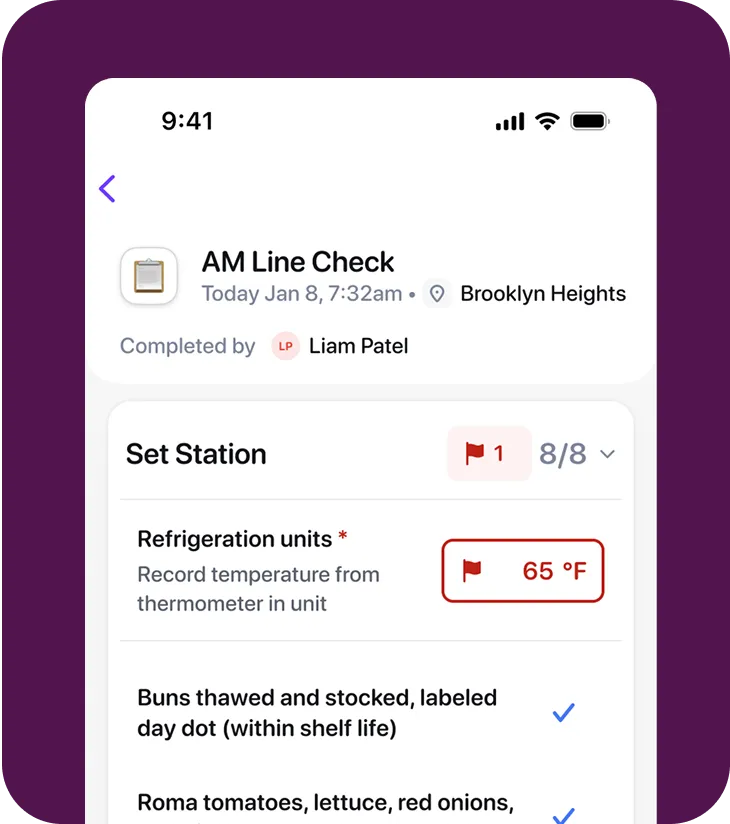
Triggered alerts & escalations
Auto-alerts notify managers when checklists are missed, late, or fail verification.
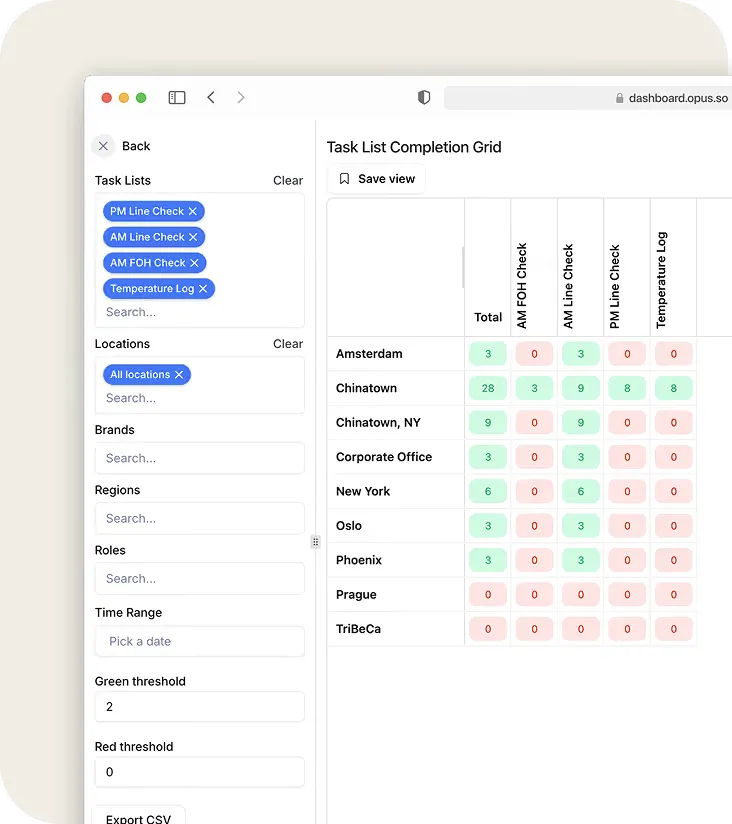
Real-time reporting for field leaders
Track completions, missed steps, and status across every location.
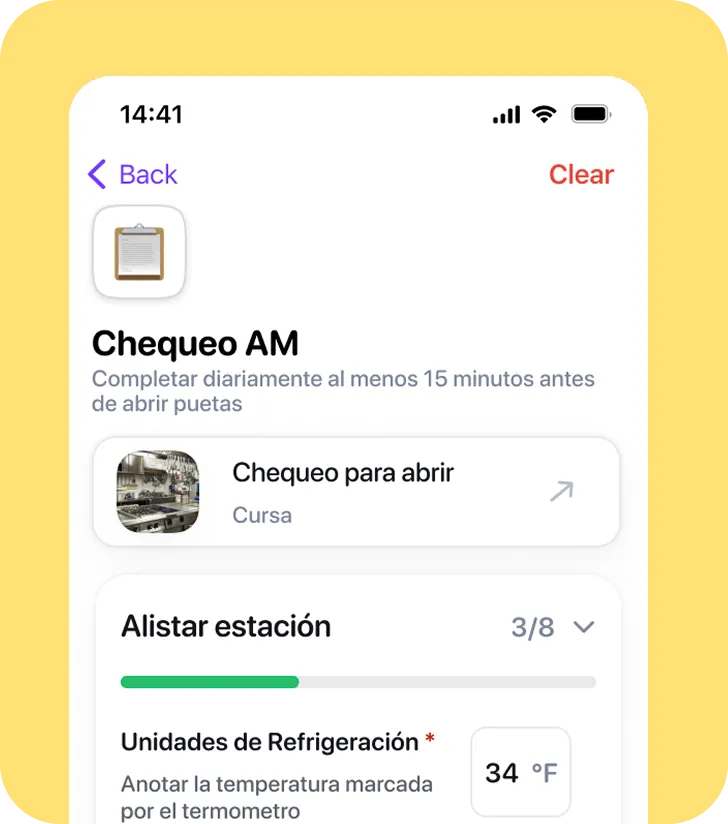
Auto-translated for everyone
Every checklist instruction is available in 100+ languages automatically.
Frequently asked questions
What types of checklists are created in Opus?
Teams use Opus for store-level operations such as opening/closing checklists, food safety logs, pre-shift walkthroughs, and incident management reporting.
Can employees see instructions or videos inside a task?
Yes. You can embed SOP resources, videos, images, or training courses directly into the checklist step — no switching apps.
Can I assign checklists by shift or role?
Opus uses your org setup to give certain roles, locations, etc can complete the Opus Checklist. Checklists can be scheduled for time windows (e.g. “10 AM to 12 PM”), so it’s done at the right time. We cannot assign to specific shift.
How does reporting work?
Managers and field leaders get real-time data on who completed what — and alerts if tasks were missed, done late, or failed verification. Plus, can schedule to receive daily email digests.
Find more ways to reinforce standards
See what else supports day-to-day learning.