🔍 New in Opus
Reporting has been redesigned so each leader sees the right data right away. That means faster decisions, clearer accountability, and better results. We’ve also made Ask Opus smarter, and it’s now easier to backfill training completions in bulk. Here’s what’s new:
📊 New Reporting With Clearer Insights
Training data only matters if it helps you improve outcomes. The new Opus Reporting gives you a strategic vantage point to measure performance across your company and quickly identify where support is needed.
📈 Track what matters in one place: Monitor key metrics without jumping between reports, then drill into details when something needs attention.
🎯 Set your own benchmarks: Define success for your company and set goals that match your priorities.
👁️ See the right view for your role: Whether you lead the whole company, manage a program, or oversee one location, the reporting experience reflects your scope.
📁 Your existing reports are still here: All your reports and custom tables remain available.
✨ Turn Questions Into Action With Ask Opus Reporting
Ask Opus Reporting now highlights recurring topics and knowledge gaps, giving leaders clear next steps.
Plus, Ask Opus is now on turned by default. You can manage Ask Opus in your dashboard settings.
→ See what your team is asking
✅ Backfill Training Completions and in Bulk
Need to record training completed outside Opus? You can now import completions in bulk instead of updating users one at a time.
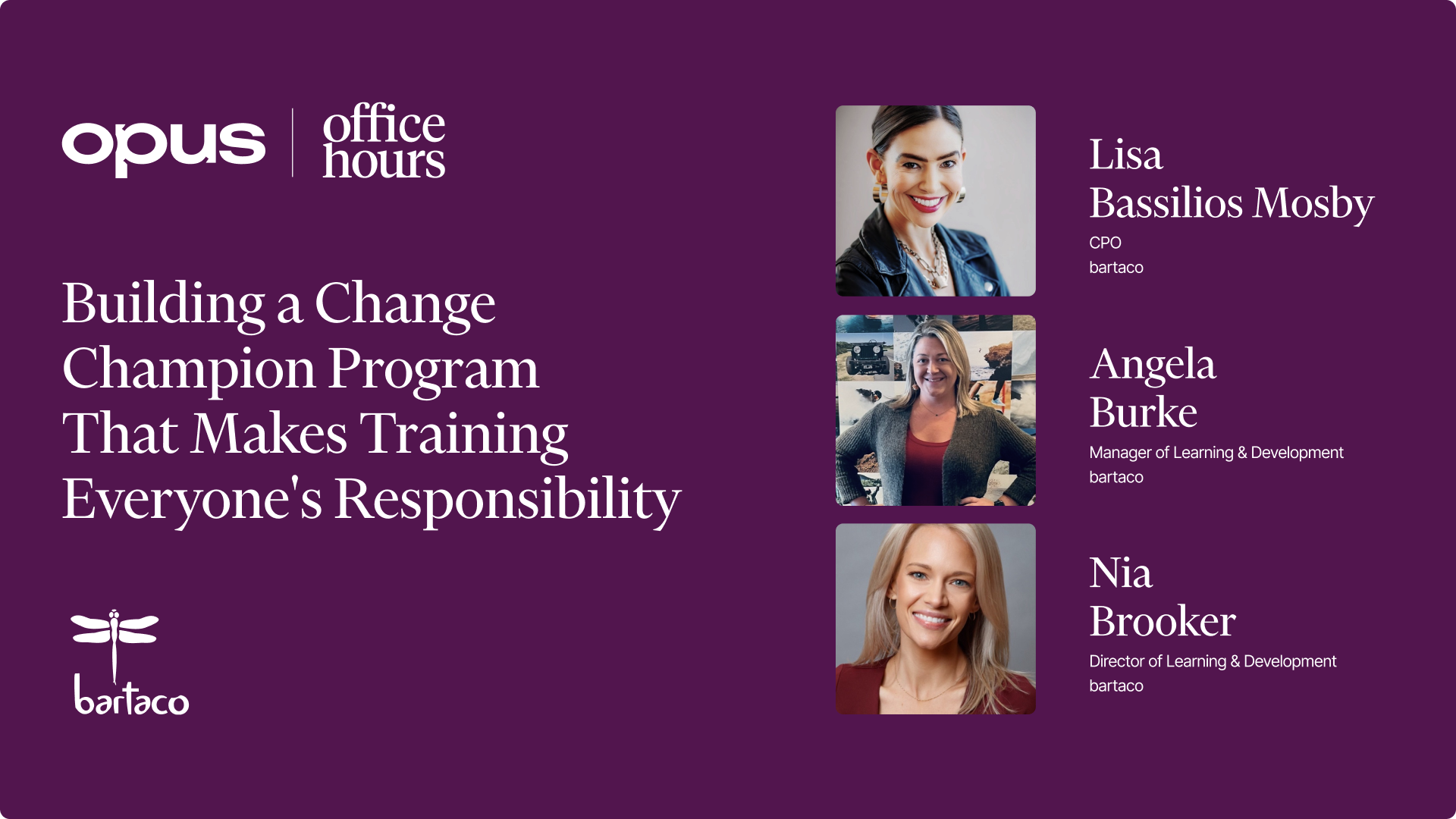
🎤 Office Hours: Making Sense of Reporting
During this month’s Office Hours, learn how to turn data into action. Wednesday, May 20.
.jpeg)